Last Updated: November 19, 2026
Quick Summary
The discovery platform vs catalogue difference comes down to scope: a catalogue records what the library holds, while a discovery platform is a search layer spanning the catalogue, databases and digital resources in one place. A discovery layer sits on top of a catalogue rather than replacing it, so patrons search once and get merged, ranked results.
- An OPAC answers one question well: does the library hold this item, and where is it?
- A discovery layer aggregates a central index of metadata and full-text content from many sources.
- Metadata quality is the lever most libraries underestimate when improving discovery results.
- Test keyboard-only navigation, screen-reader announcements, focus states and colour contrast before buying.
- Search logs are personal data, so ask how long queries and patron identifiers are retained.
Table of Contents
- Discovery Platform vs Catalogue: The Core Difference
- What an Online Public Access Catalogue (OPAC) Actually Does
- How Library Discovery Systems Search Beyond the Catalogue
- Side-by-Side Comparison: Catalogues, Discovery Layers and Combined Systems
- Library Catalogue Software and the ILS: Where Each Piece Fits
- Library Resource Discovery for Public Libraries: What to Weigh Up
- Book a Demo and See How Discovery Works for Your Patrons
- Frequently Asked Questions
Discovery Platform vs Catalogue: The Core Difference
The discovery platform vs catalogue distinction matters because a discovery platform is a search layer that lets patrons find material across a library’s catalogue, databases and digital resources in one place. A catalogue is a record of what the library holds. That distinction sounds academic until you watch a patron give up after two searches. A common misconception is that a better catalogue alone will fix poor search results. It rarely does.
The difference comes down to scope. A catalogue tells you what the library owns. A discovery platform tells you what the patron can actually get, including journal articles, e-books and remote content the library licenses but does not shelve.
SOLUS’s explanation of what a discovery platform does draws the same line: discovery spans the catalogue, databases and digital resources, while a catalogue is mainly a record of holdings.
That is the core difference in one sentence. Everything else in this comparison follows from it. If you want the deeper feature checklist before you decide, our guide to library discovery platform features that matter most covers it.
What an Online Public Access Catalogue (OPAC) Actually Does
An OPAC is the public-facing interface to a library’s catalogue. It lets patrons search bibliographic records, check holdings and place requests. It answers one question well: does the library hold this item, and where is it?
OPACs are good at known-item search. A patron who wants a specific title, author or ISBN usually finds it fast. The trouble starts with everything else: subject browsing, cross-collection searching and anything held in an electronic database rather than on a shelf.
Library catalogue software has improved. Relevance ranking and faceted search are now standard in most integrated library systems. But an OPAC is still bounded by what it indexes, which is your catalogue records. No amount of interface polish changes that.
How Library Discovery Systems Search Beyond the Catalogue
Library discovery systems work by aggregating a central index of metadata and full-text content from many sources, then running one search across all of it. Instead of querying each database separately, the patron types once and gets merged, ranked results.
This is where indexing does the heavy lifting. A discovery layer pulls in catalogue records, electronic databases, journal articles and repository content, then applies relevance ranking and filters on top. The quality of that central index, and the metadata feeding it, decides whether results feel relevant or noisy.
Yang and Wagner’s comparison of open-source and proprietary discovery tools set out to evaluate how close these tools come to next-generation catalogue expectations. The questions they raised about evaluation still apply to every procurement decision today.
Metadata quality is the lever most libraries underestimate. If your catalogue records are thin, discovery will surface thin results. Our article on improving library catalogue metadata for discovery explains how to fix that at source.
Side-by-Side Comparison: Catalogues, Discovery Layers and Combined Systems
Here is how the three common setups compare on the things that actually decide a procurement.
| Criterion | Catalogue / OPAC | Discovery layer | Combined system |
|---|---|---|---|
| Search scope | Local holdings | Catalogue plus databases and digital resources | Both, in one interface |
| Best for | Known-item search | Cross-collection searching | Libraries wanting one vendor and one workflow |
| Content indexed | Bibliographic records | Central index plus records | Shared index and records |
| Typical weakness | No remote content | Depends on metadata quality | Requires careful configuration |
| Maintenance load | Lower | Ongoing index and metadata work | Shared across one system |
| Authentication | Usually ILS patron login | Often SAML or single sign-on across databases | Vendor-dependent, but usually one login |
| Index freshness | Live with circulation | Varies by source; some feeds update daily, others weekly or monthly | Set by the shared index schedule |
| Accessibility baseline | Depends on the OPAC vendor | Varies widely; test keyboard and screen-reader paths | One interface to audit, but a larger one |
| Reporting | Circulation and holdings reports | Search logs, zero-result rates, click-throughs | Combined reporting, if the vendor exposes it |
The comparison makes one thing clear: a discovery layer is not a replacement for a catalogue. It sits on top of one. Libraries that treat the two as rivals usually end up with a worse experience than libraries that treat discovery as the front door and the catalogue as the stockroom.
A practical decision framework helps more than a feature list. Work through four questions in order. First, what proportion of your patrons’ sessions start with a known item rather than a subject or topic? If most are known-item, a well-configured OPAC may meet demand. Second, how much of your licensed content sits outside the catalogue, journal packages, e-book bundles, institutional repositories? If that share is large, a discovery layer earns its place. Third, what can your team realistically maintain? A discovery layer needs someone to monitor the central index, map metadata and chase missing holdings. Fourth, what does the total cost look like over three years, including licence, implementation, authentication work and staff time?
Transparent performance measures make the comparison concrete. Most practitioners track a small set of indicators: successful searches (a click-through to a full record or full text), zero-result rates, click-through position, time to find a known item and user satisfaction from a short survey. Ask each vendor to show how their system exposes these measures and whether you can export the raw search logs. Without that, you are comparing interfaces rather than outcomes.
Costs deserve the same treatment. Licensing models vary from per-FTE to per-institution to consortial pricing, and the headline fee rarely includes implementation, data mapping, authentication setup or the staff hours to keep the index clean. Ask for a full breakdown rather than a per-seat figure, and include internal staffing in your total cost of ownership. Our guide to library resource discovery for public libraries goes deeper on these trade-offs.
Library Catalogue Software and the ILS: Where Each Piece Fits
The integrated library system, or ILS, is the engine room. It manages acquisitions, cataloguing, circulation and patron records. Library catalogue software is the part of that system patrons see. A discovery platform is a separate layer that queries the ILS and other sources.
Three components, three jobs:
- ILS: manages stock, loans, fines and patron data
- Catalogue software: presents bibliographic records to the public
- Discovery platform: searches across the catalogue and everything else
Most libraries run all three, sometimes from different vendors. Integration is where projects succeed or stall. A discovery layer that talks cleanly to your ILS pulls live availability and holdings. One that does not shows patrons a record with no copy information, which is worse than no result at all.
Bossaller and colleagues’ systematic review of library discovery layers found that discovery layers change how users, particularly undergraduate students, access library information. That is a user-experience shift, not just a technical one.
Library Resource Discovery for Public Libraries: What to Weigh Up

Public libraries face a different calculation from academic ones. You serve a wider range of search behaviour, from a child looking for a picture book to an adult hunting a journal article, often on a phone. That breadth changes what you should test before you choose.
Accessibility and inclusive search. Accessibility is not a checkbox on a procurement form; it is a set of behaviours you can test. Ask vendors to demonstrate keyboard-only navigation through search, filters and result pages, screen-reader announcements for result counts and facet changes, visible focus states and sufficient colour contrast.
Mobile experience. Test the full path on a mid-range handset: search, refine, place a hold, renew a loan. Watch for interfaces that collapse facets into unlabelled menus or hide availability behind a tap.
Implementation and integration. A discovery layer is not a plug-in. Expect data mapping from your ILS, authentication setup (often SAML or single sign-on), configuration of database targets and a schedule for index updates. Ask who owns each step, how long the initial load takes and what happens when a database feed fails.
Performance measures. Define success before you buy. Useful measures include successful searches, zero-result rates, click-throughs to full text, time to find a known item and user satisfaction from a short in-library survey. Ask whether you can export raw search logs and whether the vendor provides a dashboard or only a monthly report.
Total cost of ownership. Licence, implementation, authentication work and staff time all count. Pricing depends on quantity, dates, and delivery, so ask SOLUS for a full breakdown or a quote rather than relying on a per-seat figure.
Privacy and responsible use of search data. Search logs are personal data. Ask how long queries and patron identifiers are retained, whether analytics are aggregated or tied to individuals, and how consent is handled. This is a procurement question as much as a technical one, and it is rarely covered in vendor demonstrations.
Watch out: a discovery layer that shows a record with no live availability is worse than no result at all, so test holdings display against your own circulation data before you commit.
Our guide to library resource discovery for public libraries goes deeper on these trade-offs.
Book a Demo and See How Discovery Works for Your Patrons
Choosing between a catalogue and a discovery platform is really a question about your patrons, not your software stack. If they search across databases, digital collections and print in the same session, a discovery layer earns its place. If they mostly want a known title, a strong OPAC may be enough.
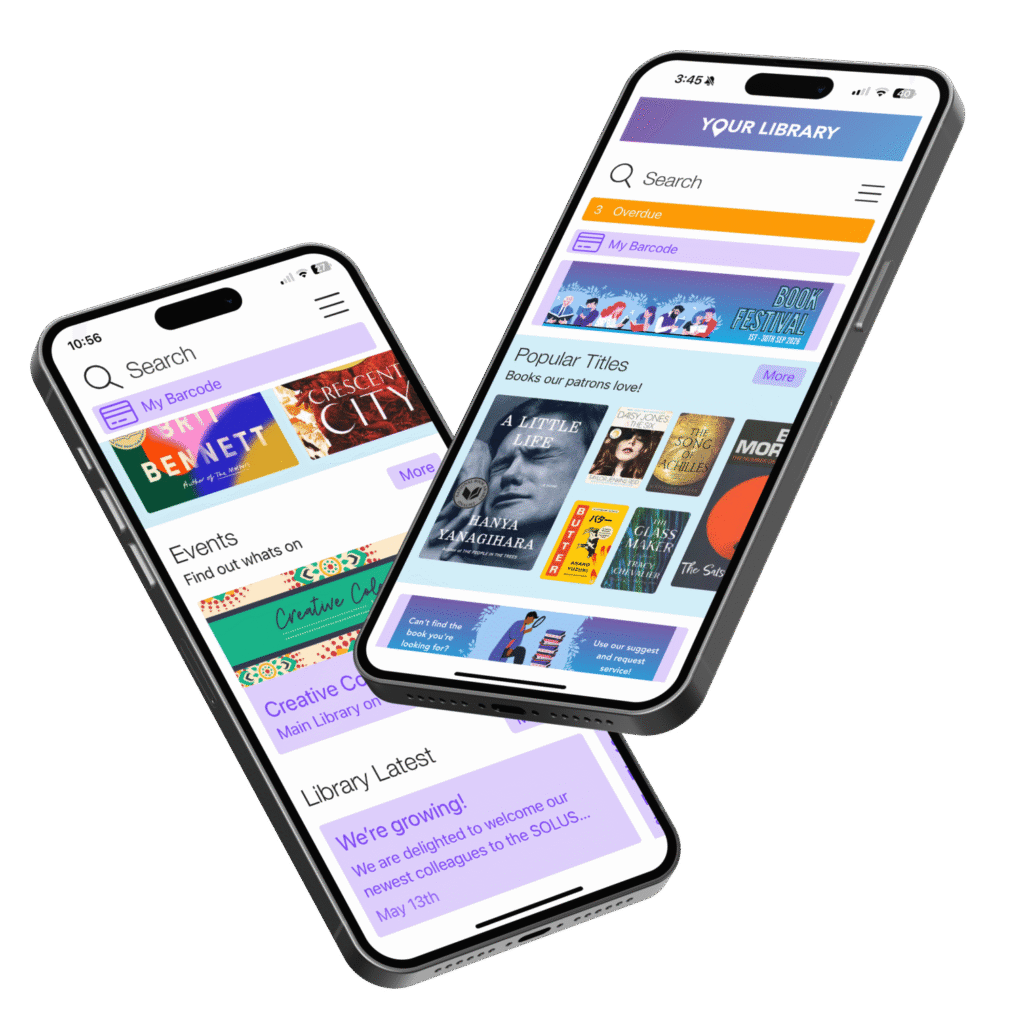
SOLUS builds a web discovery platform, mobile apps for patrons and staff, and an events and room booking system, designed for libraries from single branches to large consortia. You can explore LUCi to see how a modern discovery experience looks in practice, or contact the SOLUS team to discuss your setup.
The real test is not the feature list. It is whether a patron finds what they need on the first search. Get started with SOLUS and give your community a discovery experience that matches the content you already pay for.
Frequently Asked Questions
What is the difference between a library discovery platform and a catalogueueue?
A catalogue records what the library holds: books, journals and other physical stock, often managed through an OPAC. A discovery platform searches across those catalogue records plus electronic databases, journal articles and remote digital resources in one search box. In short, the catalogue tells you what is on the shelves; the discovery platform helps users find and access material across every source the library subscribes to.
Can a library discovery platform replace its catalogueueue?
No. The discovery platform sits in front of the catalogue and other sources rather than replacing them. Catalogue records and holdings still need to exist and stay accurate, because the discovery layer indexes that data to return results. Most libraries run both: the integrated library system manages cataloguing, circulation and holdings, while the discovery platform provides the search interface patrons actually use.
What content can library discovery systems search?
A discovery platform typically indexes catalogueueue records, electronic databases, journal articles, e-books and other digital resources, often through a central index rather than a federated search that queries each source live. Some systems also surface events, room bookings and library services. Coverage depends on which content the vendor indexes and which subscriptions your library holds, so check the content list before committing.
What should public libraries look for in library resource discovery for public libraries?
Look for relevance ranking that handles broad, non-specialist queries, faceted search and filters that make results easy to narrow, accessible interfaces that work on mobile, and clear full-text access to digital resources. Ask about implementation and maintenance effort, how performance will be measured, and total cost of ownership. Request references from libraries of a similar size, and book a demo to test real searches against your own catalogueueue data.