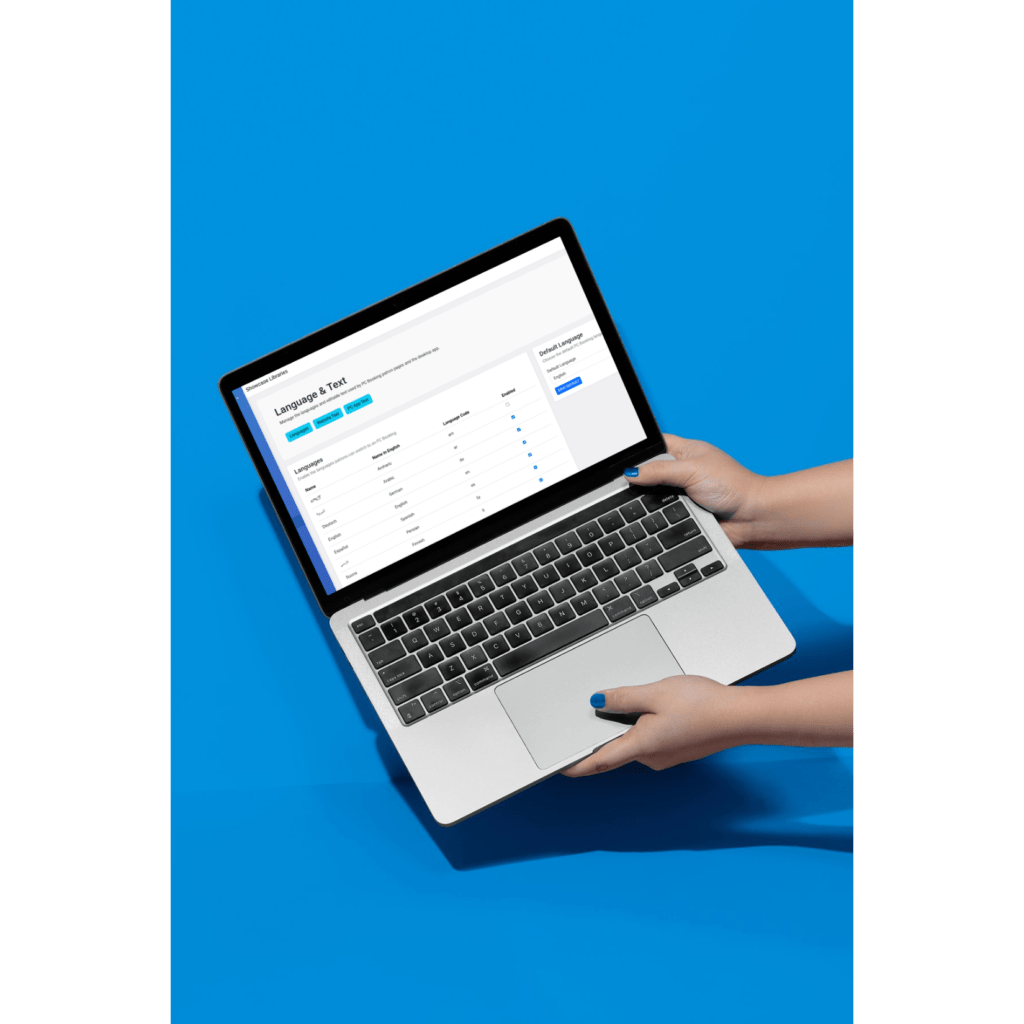
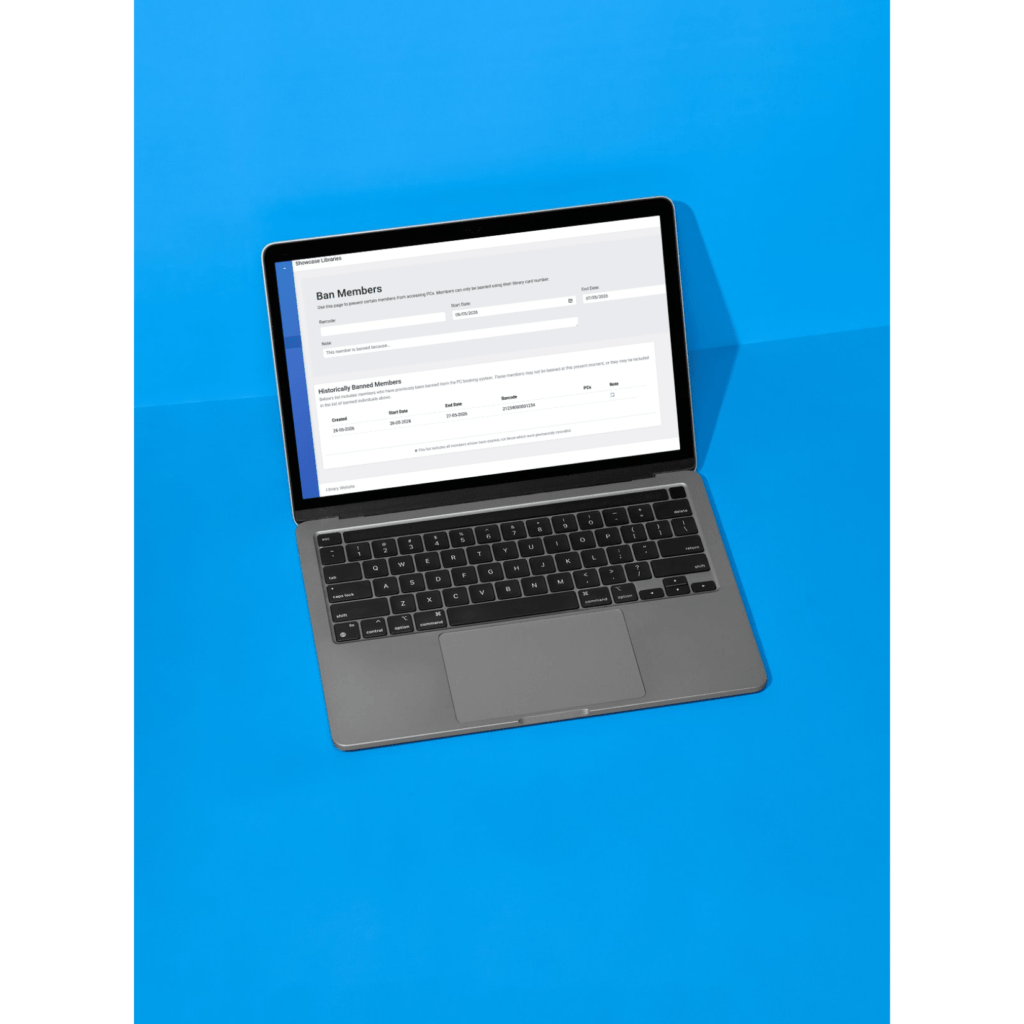
This web-based staff portal allows library staff to monitor and manage public PC usage across all locations. Staff can view and end active sessions in real time, make and manage PC bookings, organise computers by area or type, and automatically find available time slots. The system also supports managing branch availability and opening hours, blocking PCs or users when required, issuing access codes for guests or non members and enforcing usage limits for individual users.
Management
The client software supports Windows environments with potential support for Mac and Linux. It can be configured to log out, reboot, or shut down devices automatically at the end of a session. It includes offline functionality and offers a simple two-click deployment process with no device-specific configuration required. Built-in diagnostic tools, accessible via a keyboard shortcut, also help simplify troubleshooting and support.
Statistics
The reporting module provides organisation-wide insights into PC usage and performance, including total sessions, unique users, booking durations and overall utilisation. Staff can compare activity across branches and identify usage trends through visual tools such as device utilisation heat maps, helping to support planning and resource allocation.
Download the PC Bookings product information sheet
Whether you’re just getting started or looking to dive deeper, our Online Support Hub has everything you need to get the most out of your SOLUS products. If you ever need a helping hand, our friendly support team is just an email away.