Last Updated: 25 October 2026
Quick Summary
Library software integration is the process of connecting your library management system with other platforms and tools your library already uses, such as discovery layers, patron management systems, authentication services, and booking platforms. When integration works, patrons search once and find everything, whilst staff stops copying data between systems.
- APIs enable systems to exchange information automatically and in real time, handling authentication, data synchronisation, and real-time availability.
- Document your current data structure, map fields between systems, and transform values to ensure nothing gets lost during migration.
- Start with a pilot using a small set of data or single branch before rolling out system-wide integration.
- Test functional integration points, data accuracy, system performance under load, and user acceptance before full launch.
- Monitor performance after launch and establish nightly reconciliation processes to catch and correct data discrepancies between systems.
Table of Contents
- Understanding Library Software Integration with Existing Systems
- Why Library Software APIs Matter for System Connectivity
- Planning Your Library System Data Migration
- Library Software Implementation Best Practices
- Library Discovery Platform Integration: Connecting Patron Search
- Common Integration Challenges and How to Solve Them
- Testing and Launching Your Integrated Library Software
- Book Your Integration Assessment with SOLUS
- Frequently Asked Questions
Understanding Library Software Integration with Existing Systems
Library software integration is the process of connecting your library management system with other platforms and tools your library already uses, discovery layers, patron management systems, authentication services, and booking platforms.
The challenge most libraries face isn’t technical complexity alone. It’s that systems were built at different times, by different vendors, using different data structures. Your integrated library system (ILS) speaks one language.
According to Cognitive Market Research, the library automation systems and services market was valued at $1,054.51 million in 2021 and is projected to reach $1,234.37 million by the end of 2026.
The stakes are high. Poor integration creates friction at every touchpoint: patrons see incomplete search results, staff waste time on manual data entry, and your library’s services remain fragmented in the patron’s mind.
Why Library Software APIs Matter for System Connectivity
An API (Application Programming Interface) is the bridge that lets your library software talk to other systems. Without APIs, integration requires manual workarounds, exporting data, transforming it, importing it again. With APIs, systems exchange information automatically and in real time.
Library services platforms are increasingly positioned as core infrastructure that enable vendors to layer additional functionality on top.
APIs handle three critical integration scenarios:
- Authentication: Your library’s single sign-on (SSO) system authenticates once, then passes that authentication to your discovery platform, mobile app, and booking system. Patrons log in once.
- Data synchronisation: Patron records, item availability, and circulation data flow from your ILS to your discovery platform without manual intervention.
- Real-time availability: When a patron places a hold in your mobile app, the hold is immediately recorded in your ILS and reflected across all discovery points.
The quality of an API determines whether integration is seamless or creates bottlenecks. A poorly designed integration point can slow down searches, delay transactions, or create data inconsistencies. This is why evaluating how a platform connects matters as much as evaluating what it does on its own.
Planning Your Library System Data Migration
Assessing Your Current Data Structure
Before you integrate anything, you need to understand what data you have and how it’s currently organised. Most libraries have been running their ILS for years. That system holds patron records, item metadata, circulation history, and configuration settings, often in formats that were standard when the system was installed but may not align with modern standards.
Start by documenting:
- What data exists in your ILS (item records, patron records, holdings, circulation transactions)
- How that data is currently structured (field names, data types, relationships)
- Which systems currently access or depend on that data
- Where data quality issues exist (incomplete records, inconsistent formatting, orphaned entries)
A common mistake is assuming your data is cleaner than it actually is. Libraries often discover during assessment that item records contain inconsistent subject classifications, patron records have duplicate entries, or holdings data doesn’t align with actual inventory. These issues don’t cause problems in your current system because staff know the workarounds. But they become critical during integration, when automated processes expect consistent formatting.
Mapping Data Fields and Formats
Once you’ve assessed your data, map how fields in your current system correspond to fields in your new discovery platform or integrated app. This is where data migration either succeeds or stalls.
For example, your ILS might store item type in a field called ITYPE. Your new discovery platform expects it in a field called material_type. Your migration plan needs to specify that ITYPE maps to material_type, and if the values differ (your ILS uses codes like “BK” for book; the platform expects “book”), your plan needs to transform those values during migration.
Create a mapping document that includes:
| Source Field (ILS) | Target Field (Platform) | Data Transformation | Notes |
|---|---|---|---|
| ITYPE | material_type | BK → book, DVD → video | Required for discovery |
| CALL_NUM | call_number | No transformation | Used for shelf browsing |
| PATRON_TYPE | user_role | STU → student, FAC → faculty | Controls access levels |
| AVAIL_STATUS | availability | CHK → checked_out, AVL → available | Real-time sync required |
This document becomes your integration blueprint. It ensures nothing gets lost in translation and everyone involved understands exactly what’s moving where.
Library Software Implementation Best Practices
Successful integration follows a structured approach. Start with a pilot, a small set of data, a single branch, or a limited set of users, before rolling out system-wide.
Your implementation should include: Explore LibraryPro, a practical tool designed to help staff manage collections and integrate with existing library workflows.
- Define success criteria: What does success look like? Faster patron searches? Reduced staff data entry? Higher app adoption? Be specific and measurable.
- Assign ownership: Who’s accountable for the integration? Usually a combination of your IT team, library operations staff, and your software partner. Clear ownership prevents tasks from falling through gaps.
- Build in testing cycles: Each phase should have a defined testing period where staff and patrons use the integrated system and report issues before full rollout.
- Plan staff training: Your team needs to understand not just how to use the new system, but why integration matters and how it changes their workflows.
Information Technology and Libraries emphasises that regular evaluation of library systems is essential for academic libraries. This applies equally to integration: don’t assume it’s working correctly. Monitor performance, gather feedback, and iterate.
Library Discovery Platform Integration: Connecting Patron Search
Your discovery platform is where patrons search for content. If it’s not integrated with your ILS, patrons see outdated availability information, incomplete metadata, or results that don’t reflect your actual collection. Integration ensures every search result is current and actionable.
A discovery platform integration typically includes:
- Item data synchronisation: Every item in your ILS is indexed and searchable in your discovery platform.
- Availability updates: When an item is checked out or returned, availability status updates in real time across the discovery platform.
- Patron holds and transactions: Patrons can place holds, renew items, and manage their account directly from the discovery interface, with all actions recorded in your ILS.
- Authentication: Patrons log in once to the discovery platform and gain access to licensed resources, their patron account, and personalised features.
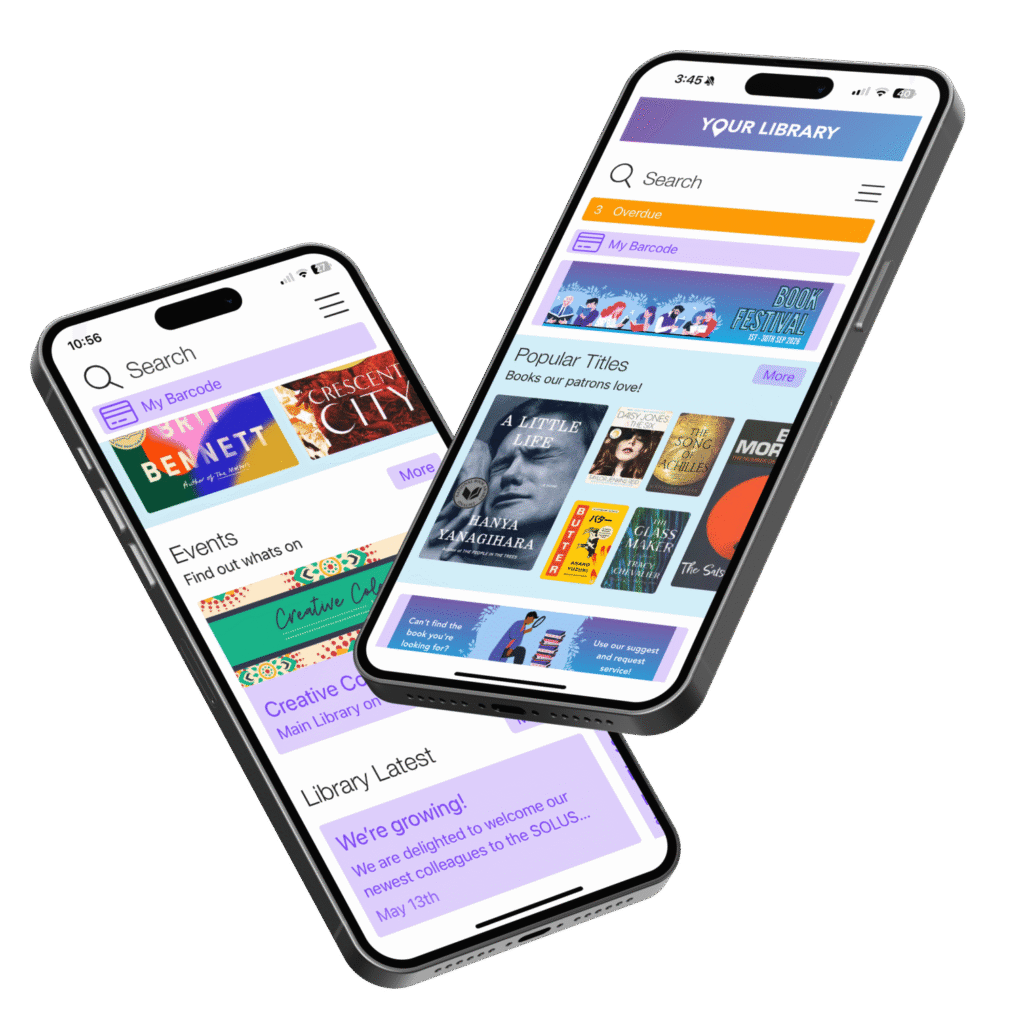
The SOLUS mobile apps for library patrons & staff integrate with existing systems to enhance patron discovery and search capabilities. Find SOLUS resources to learn how the apps connect with your current infrastructure to deliver seamless patron experiences.
Common Integration Challenges and How to Solve Them
Integration creates bottlenecks when the connecting platform doesn’t behave consistently across systems. A platform that’s fast with your ILS might be slow with your authentication layer.

Data inconsistency: Your ILS and discovery platform disagree on availability or item metadata. This usually happens because synchronisation is delayed or incomplete.
Authentication failures: Patrons can’t log into the discovery platform or mobile app even though their credentials work in the ILS.
Performance degradation: The discovery platform becomes noticeably slower after integration. This usually means the integration is querying your ILS inefficiently or the ILS itself is under load.
OCLC Research, Case Studies in Strategic Library Collaboration reports that when collaboration is managed effectively, which includes sharing integrated systems and data infrastructure, libraries achieve significant and sustainable benefits.
Testing and Launching Your Integrated Library Software
Testing isn’t a phase you complete once and move past. It’s ongoing validation that the integrated system behaves as intended under real conditions.
Your testing plan should include:
- Functional testing: Does each integration point work as designed? Can patrons search, place holds, and renew items? Can staff access reports and manage collections?
- Data validation: Is data accurate and complete? Are availability statuses correct? Do patron records sync properly?
- Load testing: How does the system perform when many users are active simultaneously? Can it handle your peak usage periods?
- User acceptance testing (UAT): Do your staff and patrons find the integrated experience intuitive? What workflows need adjustment?
Launch in phases. Move one branch or user group to the integrated system first. Monitor closely for issues. Expand gradually to other branches or user groups. This staged approach lets you catch and resolve problems before they affect your entire network.
Watch out: launching too quickly or without adequate testing often results in data corruption, lost transactions, or frustrated users. The time invested in thorough testing before launch saves exponentially more time in troubleshooting afterwards.
Find SOLUS support resources for product help and guidance as you test and launch your integrated library software.
Book Your Integration Assessment with SOLUS
Library software integration is complex, but it doesn’t have to be chaotic. The right planning, the right partner, and the right tools make it manageable, and transformative.
SOLUS helps libraries of all sizes integrate discovery platforms, mobile apps, and patron engagement tools with existing infrastructure. Our web discovery platform, staff and patron mobile apps, and events calendar system are designed to connect seamlessly with your ILS, authentication systems, and other library infrastructure.
Contact SOLUS to discuss your library’s integration needs and book an assessment. We’ll help you understand your current data structure, plan your migration, and design an integration approach that works for your library’s size and complexity.
Frequently Asked Questions
How do libraries integrate new software with existing systems without disrupting daily operations?
Library software integration typically happens in phases. Begin with a pilot programme using a single branch or department, running both systems in parallel during transition. Map your current data structure to the new system’s format, test connections through APIs, and validate that patron records, item data and circulation history transfer accurately. Most libraries schedule the full cutover during low-usage periods, often during maintenance windows or holiday closures, to minimise disruption. Staff training should occur before launch, with IT support available throughout the transition.
What role do library software APIs play in connecting different systems?
APIs (Application Programming Interfaces) act as bridges between your library software and other institutional systems like your student information system, single sign-on (SSO) platform or discovery layer. Rather than manually transferring data, APIs enable real-time synchronisation of patron records, availability updates and search results across platforms. This reduces data entry errors, keeps information current and allows seamless patron experiences, for example, patrons logging in once can access their library account, book reservations and digital collections without re-authenticating. API integration is essential for modern library software integration with existing systems.
What should we check before choosing library software that integrates with our current systems?
Verify that the new software supports APIs or direct connectors for your specific systems: your ILS, discovery platform, SSO provider, mobile app and any third-party tools your library relies on. Ask the vendor for integration documentation and references from libraries with similar technical setups. Confirm whether the vendor manages integration or whether your IT team must build custom connections. Discuss data mapping requirements, how patron types, item statuses and custom fields will translate. Finally, understand the vendor’s support model: do they provide integration support, or is that your responsibility? These details determine how smoothly library software integration with existing systems will proceed.
How can libraries migrate data between systems safely during integration?
Safe data migration follows these steps: first, audit your current data for completeness and accuracy, correcting errors before migration. Create a detailed mapping document showing how each field in your old system corresponds to the new one. Perform a test migration on a copy of your data to identify problems without affecting live records. Validate the migrated data thoroughly, check record counts, sample patron and item records, and circulation history. Maintain backups of your original data throughout the process. Run parallel systems briefly, allowing staff to verify that all essential information transferred correctly. Only after successful validation should you deactivate the old system. This approach to library system data migration minimises data loss and errors.
The difference between a library where systems work in isolation and one where they’re truly integrated is the difference between friction and flow. Your patrons feel it. Your staff feels it. And your community benefits from it. Start with assessment, move through planning, test thoroughly, and launch with confidence.